
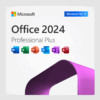
Office 2024 Professional Plus LTSC
Original price was: $199.99.$25.99Current price is: $25.99.
Office 2024 Professional Plus is Microsoft’s newest one-time-purchase suite for Windows 10/11 and Windows Server, delivering Word, Excel, PowerPoint, Outlook, OneNote, Publisher and Access 2024 – no subscription, no recurring fees, lifetime activation on one PC.
Description
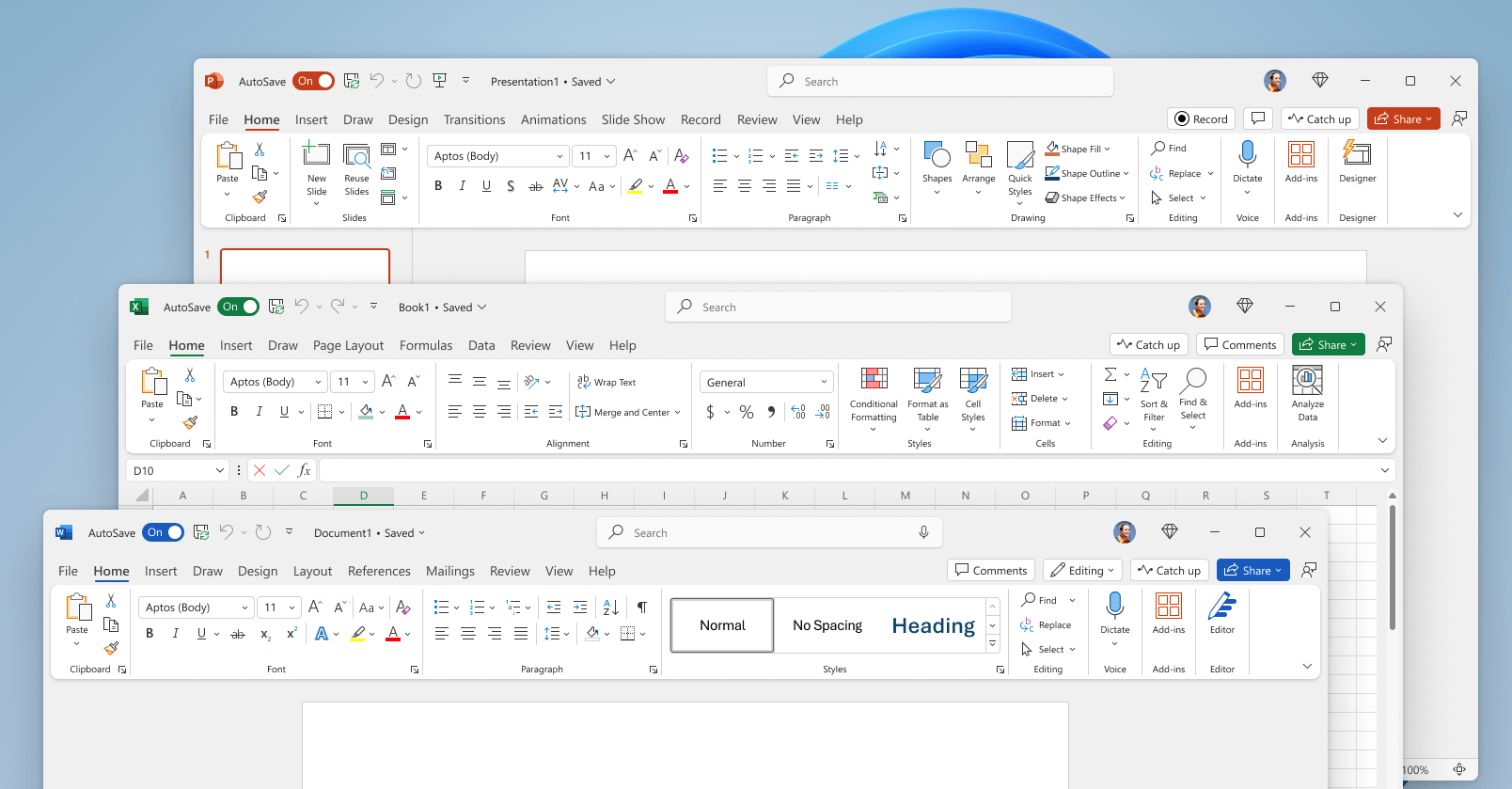
Office 2024 Professional Plus (LTSC) packages Microsoft’s latest desktop apps with a perpetual license that stays activated for the life of your device. Designed for professionals who prefer local installs over cloud subscriptions, it combines the modern Fluent-Design interface introduced for Windows 11 with dozens of new performance, accessibility and collaboration upgrades.
What’s Improved vs. Office 2021
Office 2024 bridges a three-year feature gap:
-
New default Fluent Office theme for a unified Windows 11 look
-
14 new Excel text & array functions plus in-cell IMAGE() support
-
Dynamic-array-driven charts that auto-expand with your data
-
Word “Session Recovery” restores unsaved docs after a crash
-
PowerPoint Cameo (embed live camera feed) & Recording Studio
-
Outlook smarter search and meeting auto-shortening
-
Direct Android photo-to-document insertion (Word/Excel/PPT)
-
ODF 1.4 compatibility and enhanced accessibility ribbon
-
Access Dataverse connector for Power Platform integration
-
Faster workbook calculation and overall stability gains
Top 10 Features
-
Lifetime License – activate once, own forever on a single PC.
-
Full App Set – Word, Excel, PowerPoint, Outlook, OneNote, Publisher & Access.
-
Modern Fluent UI – consistent dark/light modes & touch improvements.
-
AI-Assisted Authoring – Editor, Designer & Presenter Coach built in.
-
Dynamic Arrays & Lambda in Excel – advanced data modelling.
-
Cameo & Studio – pro-quality video-first presentations in PowerPoint.
-
One-Click Accessibility Checker – WCAG-friendly content.
-
Like Reactions in Comments – quicker feedback loops in docs.
-
Offline-Ready – install media + MAK/KMS activation, no mandatory cloud.
-
Five-Year Mainstream Support – security & bug fixes through 2030.
One-Time Payment vs. Subscription
| One-Time (Office 2024 Pro Plus) | Subscription (Microsoft 365 Apps) |
|---|---|
| Single cost, use for life | Monthly/annual fee |
| Fixed feature set (no surprises) | Constant UI/feature changes |
| Works fully offline | Many features need internet |
| Data stays on-premises | Cloud storage by default |
| Ideal for capped budgets | OPEX, variable long-term cost |
System Requirements
| Component | Minimum Spec* |
|---|---|
| OS | Windows 11, Windows 10 (x86-64) or Windows Server 2022/2025 |
| CPU | 1.1 GHz dual-core |
| RAM | 4 GB (64-bit) |
| Storage | 4 GB free disk space |
| Display | 1280 × 768 (64-bit Office required for 4K) |
| Graphics | DirectX 9 or later, WDDM 1.3 driver |
Top 5 FAQs
-
Is this a genuine Microsoft license?
Yes – keys activate directly on Microsoft’s servers and let you download official ISO installers. -
How many devices can I activate?
One device. -
Does it include Teams or Publisher?
Teams is a separate download; Publisher is included. -
Can I upgrade from Office 2019/2021 without uninstalling?
You will need first to uninstall the older version and then install Office 2024. -
Will I miss cloud features found in Microsoft 365?
Only cloud-exclusive AI and real-time co-authoring are absent; all core desktop features are present.
Reviews (0)
Only logged in customers who have purchased this product may leave a review.
Delivery and Guarantee
✅ We supply only original licenses, which you can use with your account on the official website for software access.
✅ Each license includes detailed instructions for download, installation, and activation.
✅ For any issues, our live chat support is ready to offer immediate assistance or arrange a replacement if needed.
Related products
Software Categories
Development
Development
Development
Reviews
There are no reviews yet.